Third (IFR) Flight: "Approach to EHGG"
IFR flight
NB! For this flight we need an IFR equipped aircraft, as per regulations.
You can find the required charts (open them in a new browser tab) here:
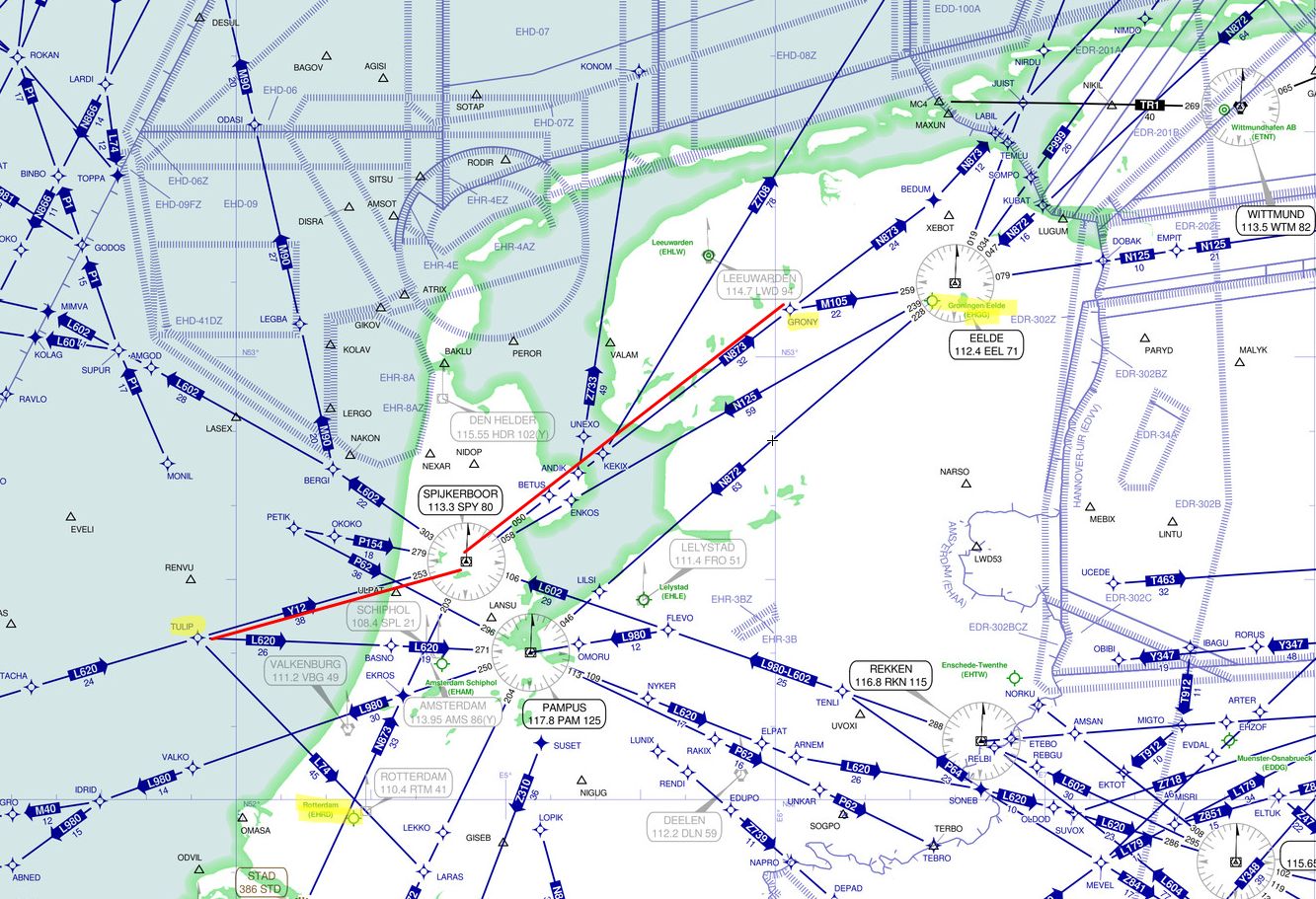
The flight fases will be similar to our 1st flight.
Briefing
*The goal of this flight is to get to Groningen (EHGG). However, the weather is IMC, so we have to file an IFR flightplan and fly an instrument approach into GRONINGEN AIRPORT EELDE.
Standard Safety and Emergency Procedures apply.
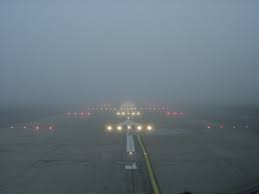
WX: The weather is IMC. It is basically stable, but the country is covered by Nimbostratus and we'll encounter occasional precipitation and patches of fog. Make sure you get a weather update before T/O and while enroute! By ATC or listening to ATIS.
- TYPE: IFR.
- AC ID / PIC: You will be PIC (Pilot in Command) in a IFR certified / equipped aircraft of your choice.
- DEP: EHRD rwy 24.
- ROUTE: TULIP Departure, Y12 SPY N873 (BETUS KEKIX) GRONY, GRONY Arrival
- DEST: EHGG.
- ALTITUDE(s): File for a convenient altitude below FL100.
- ETD: 14:00h UTC.
- ETE: 01:15'.
Preparations
-
Open the [Flight Planner] in the [Scenario] menu and create a flight plan with routing according to Briefing above.
Or alternatively us this prepared flightplan: COPY TO YOUR PC: IFR EHRD to EHGG -
Check required Fuel: as a rule:
from DEP to DEST, fuel for an approach, go-around, from DEST to ALTernate, plus 45' reserve... -
Use the Checklists (CL): Abbr'CL I.
-
In P3D scenario setup, or when on board in [World] > [Weather] > [Advanced Weather] set
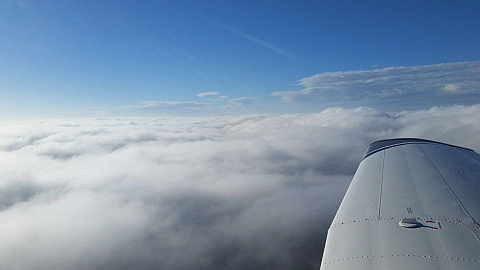
User Defined Weather as follows:- layer of Stratus clouds from 500 to 3000 feet
- layer of Cirrus clouds from FL200 - FL260
- visibility 3 miles / 4.8 km
- moderate winds 15kt from the Southeast (235°)
- you can set this weather globally
-
Setup your NAV radio's:
-
tune RTM (110.4) and SPY (113.3) for departure
- AP (Autopilot: leave OFF for now..): preselect Altitude to 3000ft; HDG bug on rwy HDG; NAV switch on GPS We'll be using the GPS receiver for our navigation until close to oour destination.
- AP preselect on [HDG]
- Tip: you can find your NAV log on your kneeboard!
- Use of the P3D ATC features is optional.
Flight
Remember your [P]ause button?!
- T/O from EHRD rwy 24 , after Gear Up [G], [AP] on ([HDG] [ALT])
- check [AP] functioning correctly: climb and HDG hold.
- [AP] change from [HDG] to [NAV] (NB! GPS!!)
- Check your Departure procedure when higher altitudes are allowed
- passing Transition Altitude the Altimeter setting should be reset to STD (standard pressure at SL: i.e. 29.92" or 1013 hPa). We now fly on FL (Flight Level).
- When approaching FL50 request ATC permission to climb to your planned altitude, below FL100 if I am not mistaken :-).
- continue on your route...
- when getting close to our DEST (appx. 25NM - 30 NM) it is time to request a descent (not below 3000ft)
- having obtained the latest weather at EELDE (ATC or ATIS) we now know what to expect, so:
- prepare for an ILS rwy 23 approach into EHGG
- as such: NAV1 tuned to ILS23 (GG 109.9) with inbound course [OBS] set to 231°
- NAV2 tuned to EEL (112.4); this provides us with Distance (DME) to the VOR-DME.
- Audio panel Markers audible
- Approach CL!!
- We fly the Procedure Turn as follows:
- reduce speed to below 140 KIAS
- When approaching the SO NDB we switch the [AP] from [NAV] to [HDG] (set correct HDG first!!)
- Passing SO we turn to HDG 021° ([HDG]bug!) and continue for 1 minute (1')
- then we turn right, back inbound to HDG 201°
- Now we can set the NAV switch to NAV (instead of GPS)
- [AP] can be switched from [HDG] to [APR] (i.e. we 'arm' the Approach mode)
- We can let the Autopilot fly us to the runway
- set Flaps 10°
- when intercepting the Glideslope [G]ear down
- Flaps full, Final approach speed appx. 100 KIAS
- Landing CL!!
- When runway visible disconnect [AP] and land
- vacate the rwy to the right and taxi to parking
- do not be surprised to find little room for parking: see Welcome to EELDE
- Well done!
| <- back | next -> | |
|---|---|---|